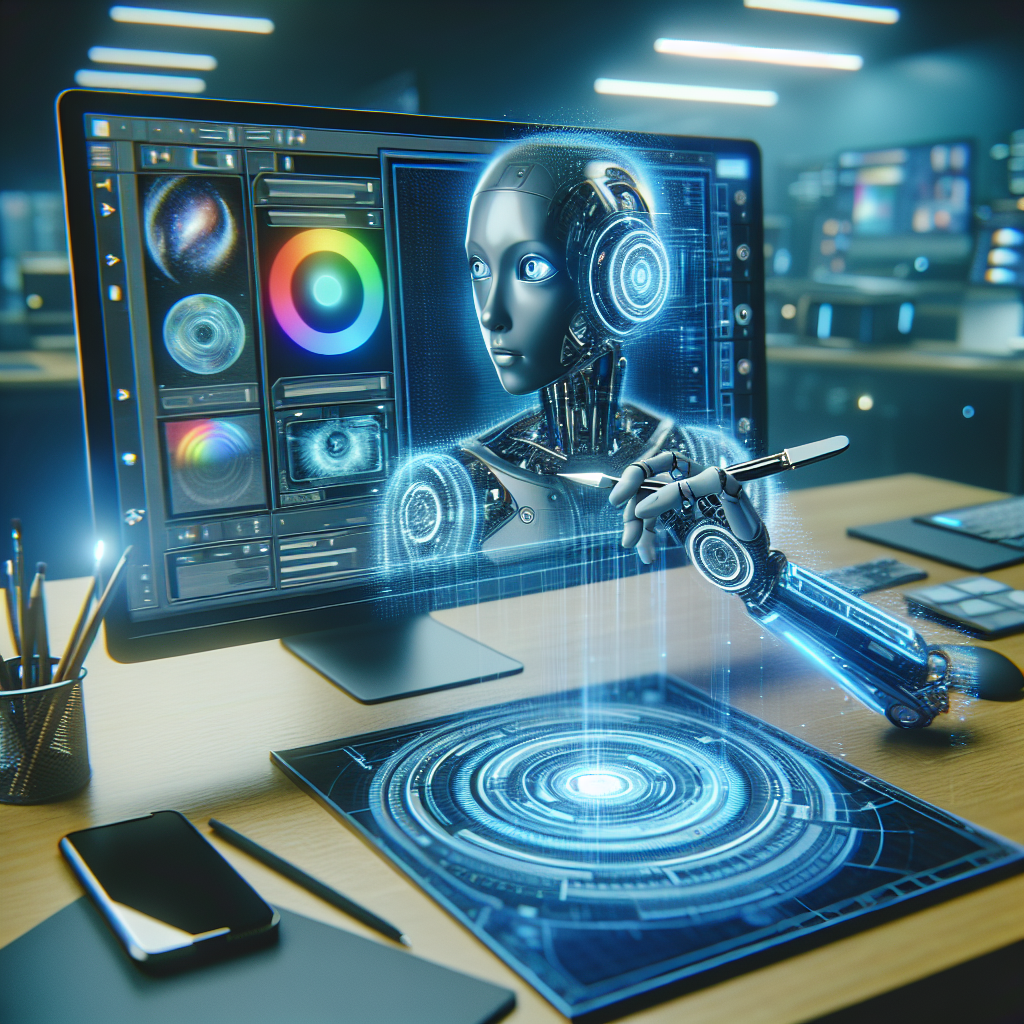
Adobe’s Photoshop AI Assistant: The Future of Creative Automation
Imagine cutting hours of tedious work in Photoshop down to mere seconds. What if you could rely on artificial intelligence to handle repetitive tasks, allowing you to focus solely on creativity? Adobe has answered this very question with its latest innovation: the Photoshop AI Assistant. But how impactful is this development for designers and content creators?
Breaking Down Adobe’s Photoshop AI Assistant
Adobe, a company synonymous with creativity software, has revealed a groundbreaking AI-powered assistant for Photoshop that is designed to automate repetitive editing tasks. Dubbed as a major advancement in productivity, this feature leverages artificial intelligence to make photo editing faster and smarter.
The AI Assistant, integrated directly into Photoshop, can handle tasks such as changing image backgrounds, removing unwanted objects, and applying filters with a level of speed and precision that significantly reduces manual effort. This update is part of Adobe’s continued push into AI technology through its Adobe Sensei platform.
Key Features of the AI Assistant
1. Effortless Background Editing
The AI Assistant excels at simplifying one of the most time-consuming tasks in Photoshop: background manipulation. Whether it’s replacing a drab background or isolating subjects with pixel-perfect precision, the assistant automates this process, ensuring consistency and quality.
2. Object Removal
Previously, removing small distractions from an image required painstaking use of tools like the Clone Stamp or Healing Brush. The AI Assistant uses machine learning to identify and seamlessly erase unwanted objects, saving both time and effort.
3. Pre-set Filters and Adjustments
Instead of manually applying filters or tone corrections, the AI Assistant enables rapid application of pre-set adjustments tailored to any image. This empowers creatives to maintain consistency across projects while minimizing time spent on workflows.
Why This Matters: A Game-Changer for Creatives
Adobe’s Photoshop AI Assistant isn’t just a flashy addition; it has the potential to redefine the way professional designers work. For creatives managing tight deadlines, the ability to automate routine tasks translates directly to increased productivity and reduced burnout.
Moreover, this innovation levels the playing field for novice users, democratizing professional-grade edits that previously required years of experience. The AI Assistant significantly lowers the barrier of entry into advanced photo editing—an invaluable feature for entrepreneurs, content creators, and freelance designers.
Comparing Photoshop with Other AI-Powered Tools
Adobe isn’t the only player in the AI-driven creativity market. Competitors like Affinity Photo and Canva have introduced AI features, such as auto design suggestions and template customization. However, Photoshop’s AI Assistant stands out for its seamless integration with professional-grade tools and extensive customization options that cater to expert workflows.
Interested in exploring alternatives? Check out Canva for simpler solutions, or Affinity Photo for other professional-grade editing tools.
The Future of Creative Automation: What’s Next?
This is just the beginning of automation in creative software. Adobe has hinted at plans to further expand its AI capabilities, potentially allowing users to describe tasks in natural language for instant execution. Imagine simply typing, “Make this look like a vintage postcard,” and watching the AI Assistant do the rest.
As AI integration becomes more prevalent, one can expect Photoshop to incorporate features such as voice commands and real-time collaboration tools powered by machine learning. Adobe’s latest announcement solidifies its position as a leader in the industry, embracing a future driven by AI innovation.
How to Get Started with the Photoshop AI Assistant
Excited to try Adobe’s AI Assistant? The tool is accessible within the latest version of Photoshop. Here’s a quick guide:
- Update your Photoshop software to the most recent version through Creative Cloud.
- Access the AI Assistant from the toolbar or by selecting the “Automation” menu.
- Choose from a set of pre-defined automations or experiment with custom workflows suitable for your project.
If you don’t currently have a Photoshop subscription, explore Adobe’s Creative Cloud plans to find a package tailored to your needs. Additionally, Adobe offers a free trial for first-time users to experience the AI Assistant firsthand.
For more details, visit the official Adobe Photoshop page.
Conclusion: A New Era for Creatives
Adobe’s Photoshop AI Assistant represents a monumental step forward in creative automation. By automating repetitive tasks, this innovative feature allows professionals and beginners alike to focus on what truly matters—unleashing their creativity. From effortless background editing to seamless object removal, the AI Assistant is poised to revolutionize workflows across industries.
As technology progresses, it’s exciting to imagine what other doors AI will open in the field of design and beyond. Whether you’re a seasoned graphic designer or a small business owner dabbling in content creation, Adobe’s AI Assistant promises tools that make your job easier, faster, and more enjoyable.
Want to dive deeper into the future of AI in creative software? Explore Adobe’s full suite of AI-driven features on their official website.
No responses yet