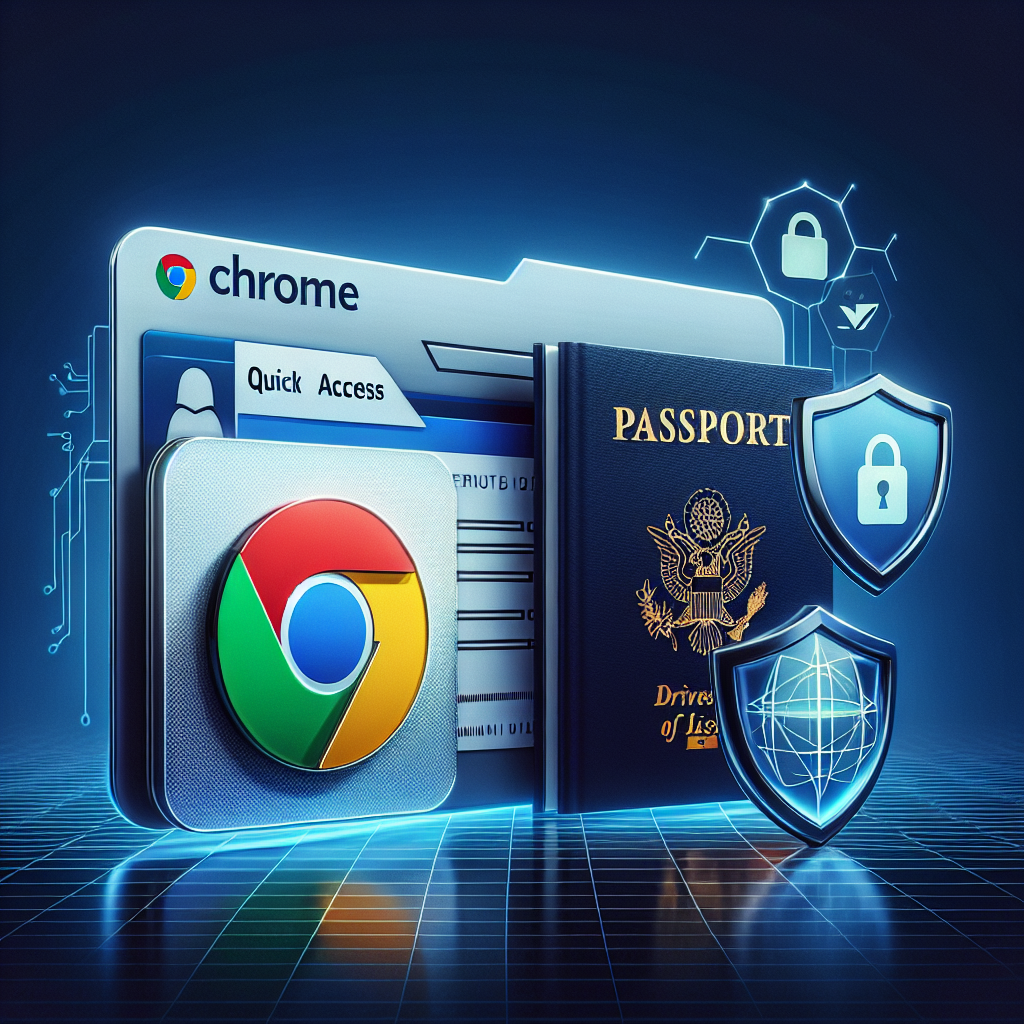
Chrome Can Now Store Your Driver’s License and Passport: Is It Safe?
Introduction: A Big Question for Privacy-Conscious Users
Imagine being able to leave your wallet at home because everything you need—your driver’s license, passport, and other key identification—can be securely stored in your browser. Sounds convenient, right? But along with convenience comes concern: how secure is it to let a browser like Google Chrome hold your most sensitive personal documentation?
As Google rolls out this new feature, the balance between innovation and privacy raises critical questions. Does this feature genuinely add convenience, or does it open the door to potential security risks? Here’s everything you need to know about Chrome’s new ability to store digital versions of your driver’s license and passport.
Google’s Digital ID Feature Explained
Google announced that Chrome will soon allow users to upload and store digital versions of their driver’s licenses and passports. This feature aims to make managing IDs simpler, especially in situations where physical documents may not be easily accessible.
How It Works
Leveraging encrypted storage, Chrome integrates seamlessly with Google Workspace to facilitate the secure storage of sensitive personal documents. The feature requires a user verification step, such as a PIN, fingerprint, or face unlock, before accessing stored IDs. Stored documents remain encrypted within the user’s device and are not transmitted to Google servers, ensuring added layers of privacy.
Use Cases
- Traveling: Provide quick access to your passport details during airport check-ins.
- Online services: Verify your identity for applications like banking or medical appointments.
- Everyday convenience: Replace the need for carrying physical IDs.
Is Storing Personal IDs in Chrome Secure?
While the idea of digital identity storage sounds futuristic, it also brings legitimate security questions. Let’s analyze how secure Chrome’s feature really is.
What Security Measures Are in Place?
- End-to-End Encryption: All stored documents are encrypted on your local device. This ensures that even if the data were intercepted, it would remain unreadable.
- Two-Factor Authentication (2FA): Accessing stored IDs requires 2FA, adding another layer of protection.
- Privacy by Design: Chrome does not upload these documents to Google servers, reducing the risk of an external data breach.
Potential Security Risks
However, no system is perfect. Experts have pointed out potential vulnerabilities, including:
- Device theft: If your smartphone or computer falls into the wrong hands, stored IDs could potentially be accessed, especially if your device lacks strong security measures.
- Malware and phishing attacks: Cybercriminals often target browsers, seeking vulnerabilities that could allow unauthorized access to sensitive data.
- Dependence on technology: A bug in software updates could temporarily make your IDs inaccessible, or worse, lead to their accidental deletion.
Balancing Convenience and Privacy
Benefits of Digital ID Storage
When implemented securely, storing personal IDs in Chrome can offer numerous advantages:
- Enhanced accessibility in emergencies where physical IDs are unavailable.
- Reduced risk of losing physical documents through theft or misplacement.
- A greener, paperless approach to handling identity management.
Strategies for Safe Digital ID Use
Here are some key steps users can take to maximize security:
- Enable biometric authentication on your device to strengthen access protocols.
- Regularly update Chrome to ensure you’re protected against the latest threats.
- Avoid storing IDs on shared or public devices.
- Be cautious of phishing scams attempting to gain unauthorized access to your data.
What This Means for the Future of Digital Identity
As more platforms adopt digital ID storage, we’re likely heading toward a world where physical documentation becomes obsolete. However, this evolution must be accompanied by robust security measures and user education. Google’s move with Chrome reflects its ambition to stay ahead of this trend, but it’s ultimately up to users to decide whether they trust the technology enough to adopt it.
Conclusion: Should You Store Your IDs in Chrome?
So, is storing your driver’s license and passport in Chrome safe? The answer depends on your comfort level with digital privacy and your readiness to adopt enhanced security measures. Google has prioritized encryption and user control, making the platform inherently secure—but no system can guarantee 100% safety.
The convenience of having your IDs readily accessible could revolutionize how we handle documentation, but it should never come at the cost of your security. Curious about other tech updates that enhance convenience and safety? Consider exploring how privacy changes are shaping technology.
Ready to take your digital security to the next level? Learn more about Google Chrome features and make informed decisions today.
No responses yet