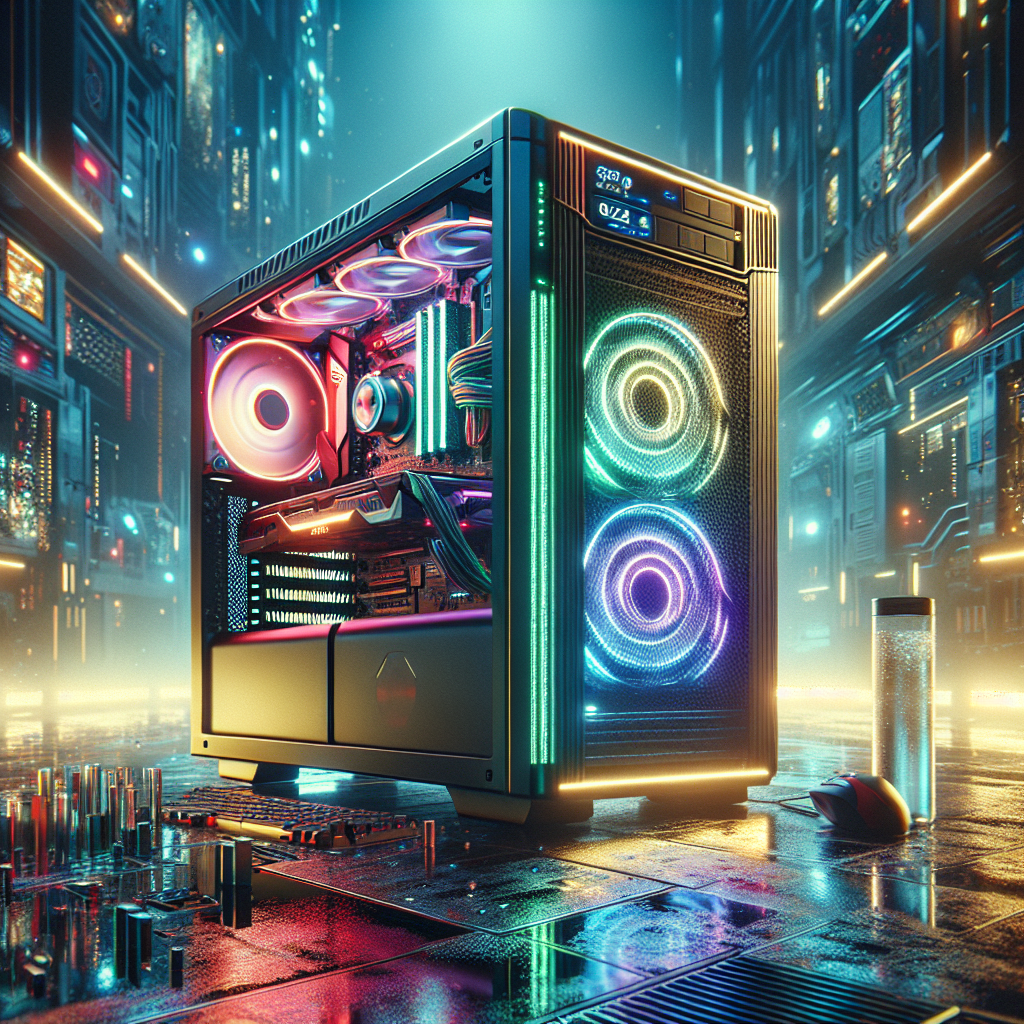
How to Optimize Your Gaming PC in 2025: A Complete Guide to Boost FPS Without Spending Money
Gamers everywhere face a dilemma: how can you get the most out of your gaming rig without draining your wallet? In 2025, as gaming hardware continues to evolve at a rapid pace, not everyone can afford major upgrades. But what if you could boost your FPS (frames per second) and improve gameplay without spending a single penny? Wouldn’t that transform your gaming experience?
If you’re in search of the top cost-free strategies for optimizing your gaming PC, this guide is for you. Stay tuned as we explore actionable, budget-friendly tips to elevate your gaming performance in 2025.
The Importance of Optimizing Your Gaming PC
In the competitive gaming world, smooth performance is everything. A higher FPS makes games feel more responsive, reduces input lag, and eliminates stuttering. But upgrading your GPU or CPU can be prohibitively expensive. Here’s where optimization comes in: by fine-tuning your current system’s settings, you can unlock hidden performance potential.
Optimization is especially crucial in 2025 as modern games demand increasingly powerful hardware. Fortunately, there are plenty of tweaks, many of which are surprisingly simple, that can maximize performance without requiring costly upgrades.
The Best Free Ways to Optimize Your Gaming PC in 2025
1. Update Drivers and Optimize Settings
Ensuring your drivers are up-to-date is essential for gaming. Both AMD and NVIDIA release frequent updates tailored to improve compatibility and FPS with specific games. Visit NVIDIA’s driver page or AMD’s support center to download the latest versions.
Also, check in-game settings. Reducing resolution, lowering shadow details, and disabling high-end effects like ray tracing can significantly increase FPS.
2. Free Up System Resources
Background apps can quietly hog your system’s resources. Use your system’s Task Manager (Ctrl+Shift+Esc on Windows) to identify resource-intensive processes and close unnecessary programs. Additionally, enable “Game Mode” on Windows for system-level optimization.
3. Adjust GPU Control Panel Settings
Graphics cards come with control panels that allow you to fine-tune performance settings. In NVIDIA’s Control Panel, for instance, enable “Performance Mode,” reduce anti-aliasing, and set the maximum frame rate cap for better stability.
4. Clean Up Your Hard Drive
A cluttered drive can slow down load times and even impact FPS. Use built-in tools like Windows Disk Cleanup or third-party solutions like CCleaner to remove temporary files, cache, and other unnecessary data. Consider moving non-gaming files to an external drive for better storage management.
5. Optimize Power Settings
Many gamers overlook power settings. On laptops and desktops, switch to the “High Performance” mode in your system’s Power Options. This adjustment ensures that your CPU and GPU operate at their full potential.
Advanced Tweaks for Experienced Gamers
For those comfortable with advanced tweaks, overclocking and editing configuration files (cfg files) can wring additional performance from your system:
- Overclocking: Boost clock speeds for your GPU or CPU to achieve better performance. Be cautious and research extensively as improper overclocking could risk overheating hardware.
- Editing Config Files: Some games feature hidden performance options in cfg files. Reducing draw distances and turning off unnecessary effects work wonders for older rigs.
Note: Always proceed with caution and back up any changes to avoid permanent issues.
Keep Your Hardware in Peak Condition
Dust buildup inside your PC can obstruct airflow, leading to overheating and performance drops. Clean your PC at least every six months. Use compressed air to blow out dust from fans, heat sinks, and vents.
Additionally, ensure cables inside the case are neatly managed to facilitate airflow. These minor adjustments can go a long way in maintaining stable performance.
Final Thoughts: Build a Habit of Maintenance
Consistent maintenance and minor tweaks over time can help keep your gaming PC in top shape. With the strategies we’ve outlined, you can maximize your setup’s performance, ensuring smooth gameplay without a financial investment.
But what’s next? Technology continues to evolve, and gamers need to stay informed to keep pace. By periodically revisiting optimization techniques, you can ensure your PC remains ready for modern gaming challenges.
For more articles on gaming optimization, visit our dedicated PC optimization section.
No responses yet