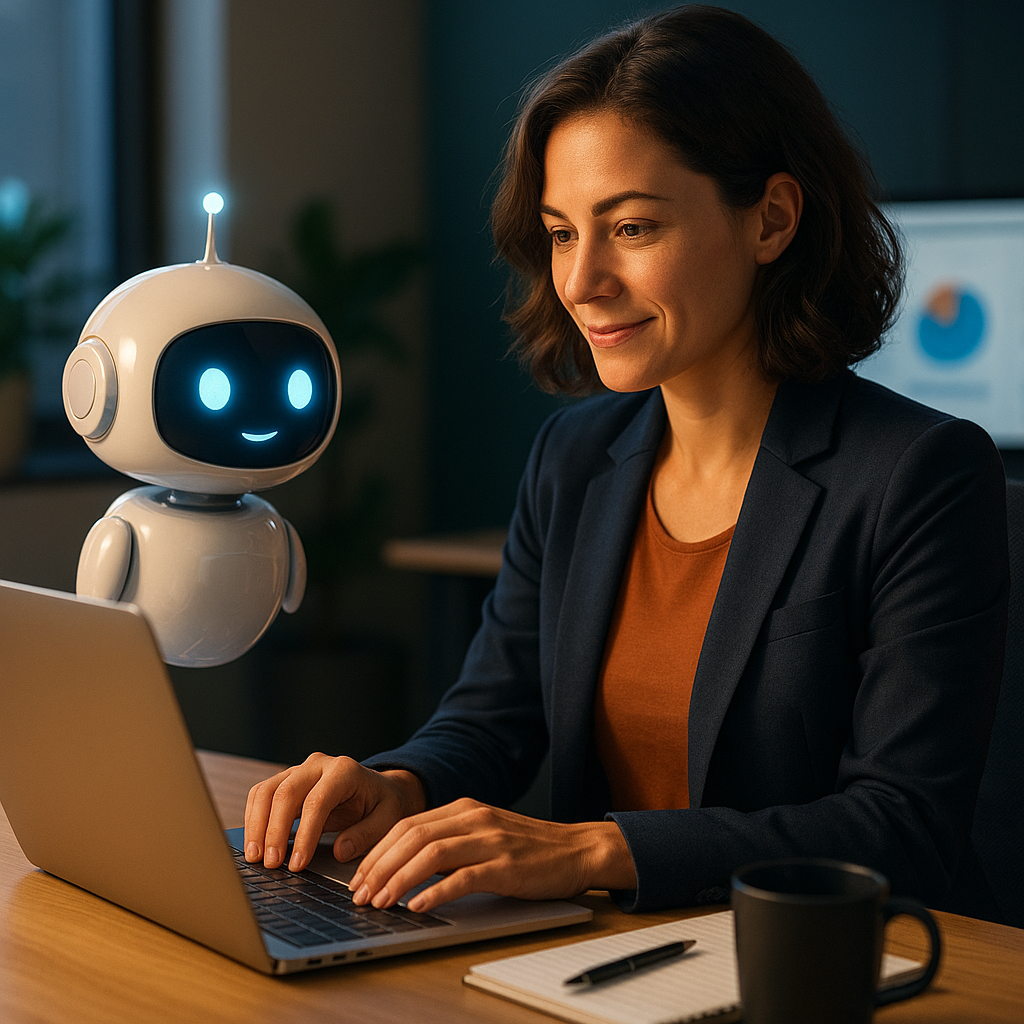
Google Updates Workspace to Make AI Your New Office Intern
Imagine an office where routine tasks—like drafting emails, scheduling meetings, or summarizing lengthy documents—are handled not by you, but by AI. Does that sound like a distant future? Thanks to Google’s latest updates to Workspace, this future is already knocking at your door. But what exactly does this mean for productivity and collaboration? Read on to discover how Google’s innovations are redefining the modern workplace.
AI Features Now Embedded in Google Workspace
Google Workspace, a suite of tools that includes popular apps like Gmail, Docs, and Sheets, is undergoing a significant transformation. Leveraging advances in artificial intelligence, Google aims to make Workspace not only more intuitive but also smarter at automating manual tasks.
The updates introduce new AI capabilities that act like your personal office intern, assisting with:
- Generating text for emails and documents
- Summarizing lengthy threads or meetings
- Creating data-driven visualizations in Sheets
- Scheduling tasks and managing calendars
How AI is Transforming Email and Document Collaboration
One of the game-changing features lies in Gmail and Docs. Through built-in AI, users can now generate emails or document drafts by simply providing prompts. For example, instead of painstakingly drafting an email update to a client, you can input a brief description, and the AI generates a professional draft for your review.
More Personal and Relevant Suggestions
But Google isn’t stopping at text generation. AI now suggests contextually relevant edits, tones, and phrasing options, helping businesses craft not just accurate but also brand-consistent communication.
AI-Powered Data Analysis in Google Sheets
Another major leap forward is the application of AI in Google Sheets. With these updates, analyzing large sets of data is easier than ever. The AI can generate instant visualizations like charts, identify patterns, and even suggest insights that previously required a dedicated analyst.
Practical Use Cases
Consider a business tracking sales performance. Instead of manually filtering through hundreds of rows, employees can now simply ask the AI to “Provide a breakdown of sales performance by region last month,” and get accessible graphs or summaries within seconds.
Collaboration Meets Automation: Enhanced Scheduling and Meeting Tools
Google’s Workspace updates also address one of the least favorite office tasks: scheduling meetings. The AI now actively analyzes participants’ schedules to propose ideal meeting times, eliminating the usual back-and-forth emails.
Additionally, the AI can join virtual meetings as a “notetaker,” providing attendees with key takeaways, action items, and even identifying key themes discussed.
What Does This Mean for Businesses?
The potential for increased productivity is immense. By automating everyday tasks, employees can now focus on strategic, high-impact work. However, it also raises questions about privacy and reliance on AI for decision-making.
Businesses will need to strike a balance between utilizing these tools effectively and maintaining oversight. For those looking to dive deeper into Google Workspace features, the platform offers detailed documentation and tutorials to guide users.
Future Implications and Continuous Innovation
As Google doubles down on AI integration, the updates to Workspace represent just the beginning of their vision for smart offices. The role of artificial intelligence in the workplace is only set to grow, making it essential for businesses and professionals to adapt.
Curious about how other tech companies are innovating in this space? Check out this article on emerging AI trends in collaboration tools.
Want to Stay Ahead in the World of AI-Powered Productivity?
Google Workspace isn’t just a set of office tools anymore; it’s a gateway into the future of work. If you’re eager to enhance your team’s efficiency, consider exploring Workspace’s AI updates and implementing them in your workflow today. With features tailored to simplify tasks, you’ll wonder how you ever managed without them!
No responses yet