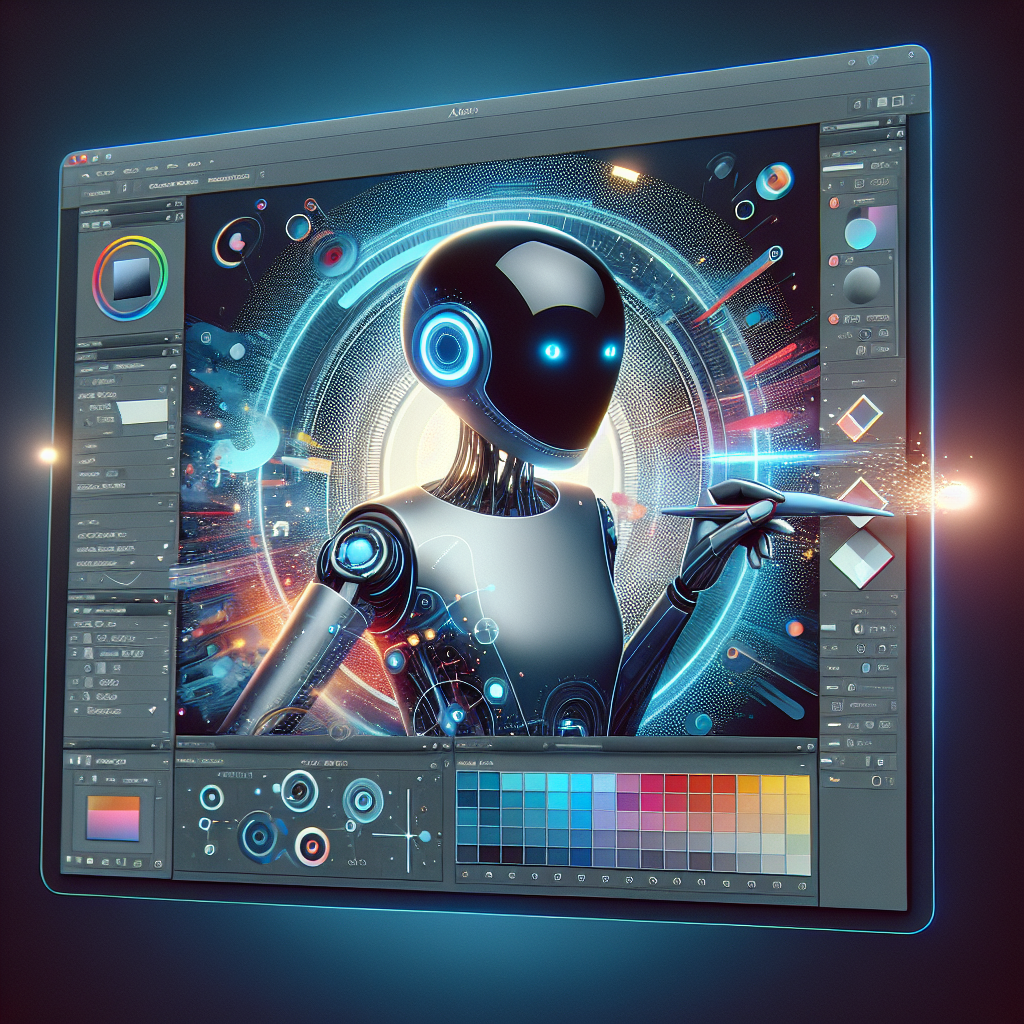
Adobe Photoshop AI Assistant: Automating Repetitive Tasks for Creatives
Imagine a world where you could bypass tedious photo editing tasks and focus solely on creativity. Sounds too good to be true, right? Adobe has made this dream a reality with its latest Photoshop AI Assistant. But how exactly does it work, and what could it mean for professionals and hobbyists alike? Read on as we unpack how Adobe’s newest tool could transform your workflow.
What Is the Photoshop AI Assistant?
Adobe has unveiled an AI-driven assistant for Photoshop as part of its ongoing efforts to integrate artificial intelligence into its flagship creative tools. This assistant is designed to automate repetitive and time-consuming tasks, enabling users to streamline their workflow and focus on higher-level creative processes.
For decades, Photoshop has been the go-to image editing software for photographers, graphic designers, and digital artists. But it’s no secret that some of its features—though powerful—require labor-intensive steps. By introducing the AI Assistant, Adobe aims to lower the barrier for entry and empower even beginners to work more efficiently.
How Does Adobe’s AI Assistant Work?
The Photoshop AI Assistant uses Adobe’s proprietary Sensei technology, a robust artificial intelligence and machine learning framework that powers several of the company’s products. The new assistant can interpret natural language commands, allowing users to type requests like “make the sky blue” or “remove shadows,” and the AI takes care of the rest.
Key Features of the Photoshop AI Assistant
- Task Automation: Features like auto-background removal, edge refinement, and layer adjustments can now be completed in seconds.
- Intuitive Text Commands: The AI assistant understands natural language inputs, simplifying otherwise complex actions.
- Preset Recommendations: Based on user activity, the assistant can suggest tools, effects, or workflows tailored to your project.
These features are integrated seamlessly into the Photoshop interface, ensuring that the assistant enhances rather than disrupts the user experience.
Why Is This a Game-Changer for Creatives?
The automation of repetitive tasks isn’t just about saving time—it fundamentally changes how creatives approach projects. For professionals working on tight deadlines, the AI assistant can significantly shorten the time spent on routine edits. For hobbyists, it means spending less time learning the software and more time exploring their artistic potential.
According to Adobe’s announcement, the AI Assistant can even help reduce errors by offering suggestions and implementing edits consistently across multiple images. This functionality is especially useful for tasks like batch editing, where maintaining uniformity is crucial.
Potential Challenges and Ethical Considerations
While the Photoshop AI Assistant offers substantial benefits, it raises important questions about the future of creative work. For instance, will increased automation reduce the need for specialized skills, potentially devaluing the expertise of professional designers? Additionally, there are ethical concerns about over-reliance on AI-generated content in creative industries.
Adobe has addressed some of these concerns by positioning the AI Assistant as a supplementary tool rather than a replacement. It aims to enhance rather than replace the creative decision-making process, leaving the final aesthetic choices to the user.
How to Get Started with the Photoshop AI Assistant
Excited to try this revolutionary tool? Adobe’s AI Assistant is currently rolling out to Creative Cloud subscribers as part of its latest update. Simply update your Photoshop application, and you’ll find the assistant integrated directly into the interface. For those new to Adobe’s software suite, the assistant might be a compelling reason to consider a subscription.
To fully utilize its capabilities, Adobe offers tutorials and user guides on their Creative Cloud website. These resources are designed to familiarize users with how to incorporate the AI Assistant into their workflows effectively.
FAQs About Adobe’s Photoshop AI Assistant
Is the AI Assistant free?
The AI Assistant is included with all paid Adobe Creative Cloud subscriptions. It is not available in the free trial version of Photoshop.
Can I disable the AI Assistant?
Yes, you can opt to disable the assistant if you prefer a traditional Photoshop experience. Adobe provides flexibility in how users interact with this new feature.
What languages does the AI Assistant support?
Initially, the assistant is available in English, but Adobe plans to roll out support for additional languages in future updates.
Conclusion: The Future of Creativity
Adobe’s Photoshop AI Assistant brings a new era of efficiency and creativity to the digital editing space. By automating repetitive tasks, it allows users to reclaim valuable time and energy for more creative pursuits. This innovation signifies not just an enhancement of Photoshop’s capabilities but a broader shift toward AI-driven tools in the creative industry.
As technology continues to evolve, tools like the Photoshop AI Assistant will likely become the new standard for creative professionals and hobbyists. Whether you’re a seasoned pro or just starting your creative journey, this feature is a compelling reason to explore Adobe’s ever-expanding suite of tools.
Curious to see how this tool could transform your creative process? Learn more about Adobe Creative Cloud and get started today.
No responses yet